
AutoCount e-Invoice integration with ERP and custom systems
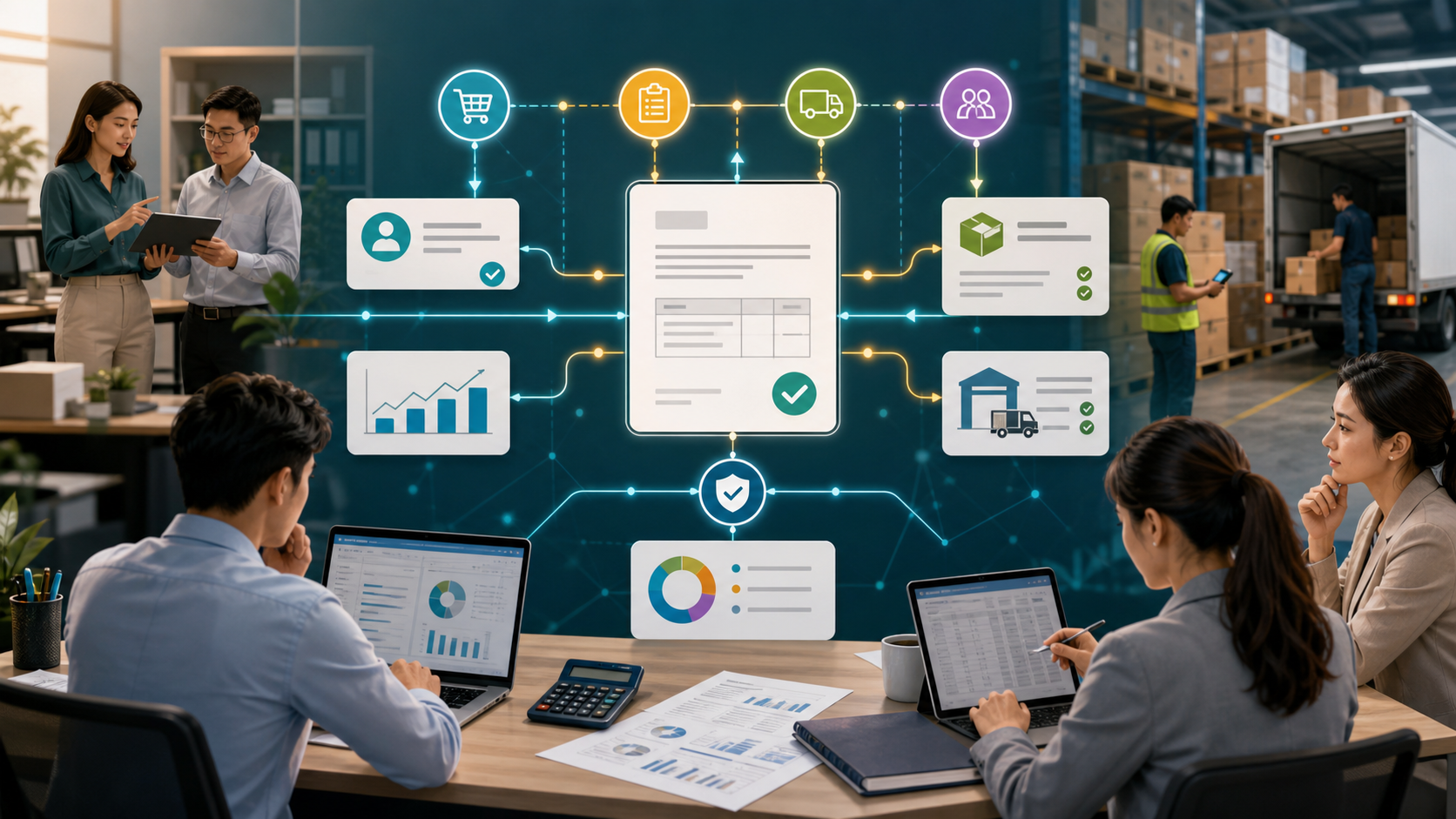
Short answer: Singapore e-Invoice readiness helps the submission path. It does not automatically connect the work before and after the invoice. If sales, delivery, customer data, supplier data or approval proof still sits outside AutoCount, your team may still do double entry.
The opportunity is to connect e-Invoice compliance with the real operating workflow.
Compliance is not the same as workflow automation
Many businesses ask:
"We are e-Invoice ready. Why is accounts still doing so much manual work?"
Because e-Invoice readiness usually answers one question:
Can the invoice be prepared and submitted correctly?
Workflow automation asks a different question:
Can the right invoice data flow from the real work into AutoCount and the e-Invoice path without staff carrying it by hand?
These are different problems.
Where manual work still happens
1. Customer and supplier tax data
TIN, registration details, entity type, address and contact data may sit in multiple places. If CRM, ecommerce, sales sheets and AutoCount disagree, accounts still needs to clean the data before e-Invoice submission.
2. Order and delivery proof
The invoice may be valid, but the business still needs to know what was ordered, picked, delivered, returned or rejected. If those steps live in WhatsApp, paper or Excel, e-Invoice does not remove the manual checking.
3. Purchase and supplier workflows
Supplier invoices, purchase approvals, goods received notes and exception handling may happen outside the accounting flow. If the source proof is not connected, accounts becomes the bridge.
4. Rejection and correction handling
When a submission is rejected or needs correction, the business needs ownership. Who fixes the customer data? Who confirms the delivery? Who corrects the source order? A connected workflow should make that visible.
What integration can connect
An AutoCount e-Invoice workflow integration can connect:
- Sales order and invoice source data
- Customer and supplier master data cleanup
- Delivery proof and billing readiness
- Ecommerce order data
- Purchase approval and supplier bill review
- Exception queues for missing or invalid fields
- Status dashboards for owners and accounts
- API or controlled sync between AutoCount and a custom ERP layer
The goal is not to replace AutoCount's e-Invoice function. The goal is to reduce the manual work around it.
A practical example
Before integration:
- Sales confirms an order in WhatsApp.
- Admin keys the order into a spreadsheet.
- Warehouse marks delivery separately.
- Accounts checks the delivery proof.
- Accounts prepares the invoice in AutoCount.
- e-Invoice data is checked and corrected.
After integration:
- Sales order is captured in a controlled workflow.
- Customer tax data is checked before confirmation.
- Warehouse delivery proof is attached to the same job.
- Billing readiness is visible to accounts.
- AutoCount receives a cleaner record.
- Exceptions are held for review instead of becoming silent errors.
Start by tracing one invoice
Before buying another tool or asking for another API, trace one real invoice from first customer request to final e-Invoice status.
Check:
- Where the customer data came from
- Where the item and tax details came from
- Whether delivery proof existed before billing
- Who fixed missing or wrong data
- Which fields were typed twice
- Which system owns the final record
That map will show whether the issue is AutoCount setup, e-Invoice setup, customer data, delivery workflow, supplier workflow or integration.
FAQ
Does AutoCount handle e-Invoice?
AutoCount can support e-Invoice workflows depending on setup and version. This page is about the work around the e-Invoice path: source data, order flow, delivery proof, supplier proof, exception handling and integration.
Do we need a custom ERP just for e-Invoice?
Not always. Sometimes the right fix is data cleanup, AutoCount setup or a small integration. A custom ERP layer makes sense when the e-Invoice pain is caused by broader sales, warehouse, procurement or delivery workflows.
Can this reduce double entry?
Yes, if the source workflow is connected. If the source data still starts in disconnected sheets or chats, the e-Invoice tool alone will not remove double entry.
What should we prepare before scoping?
Prepare one real sales invoice, one delivery case, one customer-data correction, one rejected or corrected submission, and one supplier-related example if purchases are part of the issue.
Map My e-Invoice Workflow